A misconfigured « smart » home is often more expensive and less secure than a traditional one; true savings come from systemic optimization, not just owning the devices.
- The biggest security risk isn’t a weak password, but a router’s default UPnP setting that automatically opens your network to the internet.
- Every smart device adds to a hidden « digital baseline » energy cost, which can negate savings from smart schedules if not managed correctly.
Recommendation: Shift your mindset from collecting smart devices to engineering a cohesive, secure, and efficient home system by auditing router settings, isolating IoT devices, and implementing passive energy-saving tactics.
You invested in a smart thermostat, meticulously set up schedules, and perhaps added a few smart plugs for good measure. Yet, when the utility bill arrives, the savings are underwhelming, or worse, nonexistent. This is a common frustration for homeowners. The prevailing advice is often to simply buy more gadgets—more sensors, more cameras, more smart everything—in the hope that one more device will finally unlock the promised efficiency. This approach often leads to a collection of disparate devices that create new, hidden problems.
The core issue is that we’ve been taught to think about smart devices individually. But what if the key to unlocking significant savings and robust security isn’t in adding another device, but in understanding how your existing devices interact as a complete system? What if the default settings on your router are actively undermining your new, expensive security camera? The truth is, the intelligence of a smart home lies not in the gadgets themselves, but in the deliberate, systemic configuration that prevents them from working against you and your wallet.
This guide moves beyond the basics. We will dissect the common pitfalls that turn a « smart » home into a dumb expense. We will explore how to build a secure system on a budget, understand the real privacy costs of your chosen ecosystem, and fix the critical configuration errors that expose your home. Finally, we’ll show you how to lower your heating bill without even touching the thermostat, proving that the smartest approach is a holistic one.
To help you navigate these advanced concepts, this article is structured to build your expertise from the ground up. The following summary outlines the key areas we will cover, from foundational energy concepts to practical security and efficiency tactics.
Summary: Your Smart Home, Engineered for Efficiency and Security
- Why Your « Smart » Home Might Be Increasing Your Electricity Base Load?
- How to Build a Complete Home Security System for Under $300?
- Google Home vs Amazon Alexa: Which Ecosystem Ages Better for Privacy?
- The Default Password Error That Opens Your Camera to Hackers
- How to Configure Your Router When You Have More Than 20 Connected Devices?
- A+++ vs A+: Is the Extra $200 for the Top Fridge Model Worth It?
- The « Smart Home » Mistake That Adds 10% to Your Electricity Bill
- How to Lower Your Winter Heating Bill by 15% Without Touching the Thermostat?
Why Your « Smart » Home Might Be Increasing Your Electricity Base Load?
The fundamental promise of a smart home is efficiency—devices that power down when not needed. However, the opposite is often true. Every smart speaker, camera, hub, and even a « sleeping » smart TV contributes to your home’s electrical base load, or « vampire power. » This is the minimum amount of electricity your home consumes 24/7, even when all primary functions are off. From an engineering perspective, this is your digital baseline, and it’s a critical metric that most homeowners overlook.
Unlike a simple lamp, a smart bulb is never truly « off »; it maintains a low-power connection to Wi-Fi or a hub, waiting for a command. A single device’s consumption is negligible, but an ecosystem of 20, 30, or 40 such devices creates a significant, constant drain. This is systemic friction in action: the very « always-on » nature that provides convenience also introduces a persistent energy cost. If this digital baseline grows unchecked, it can easily offset the savings you gain from your smart thermostat’s schedule.
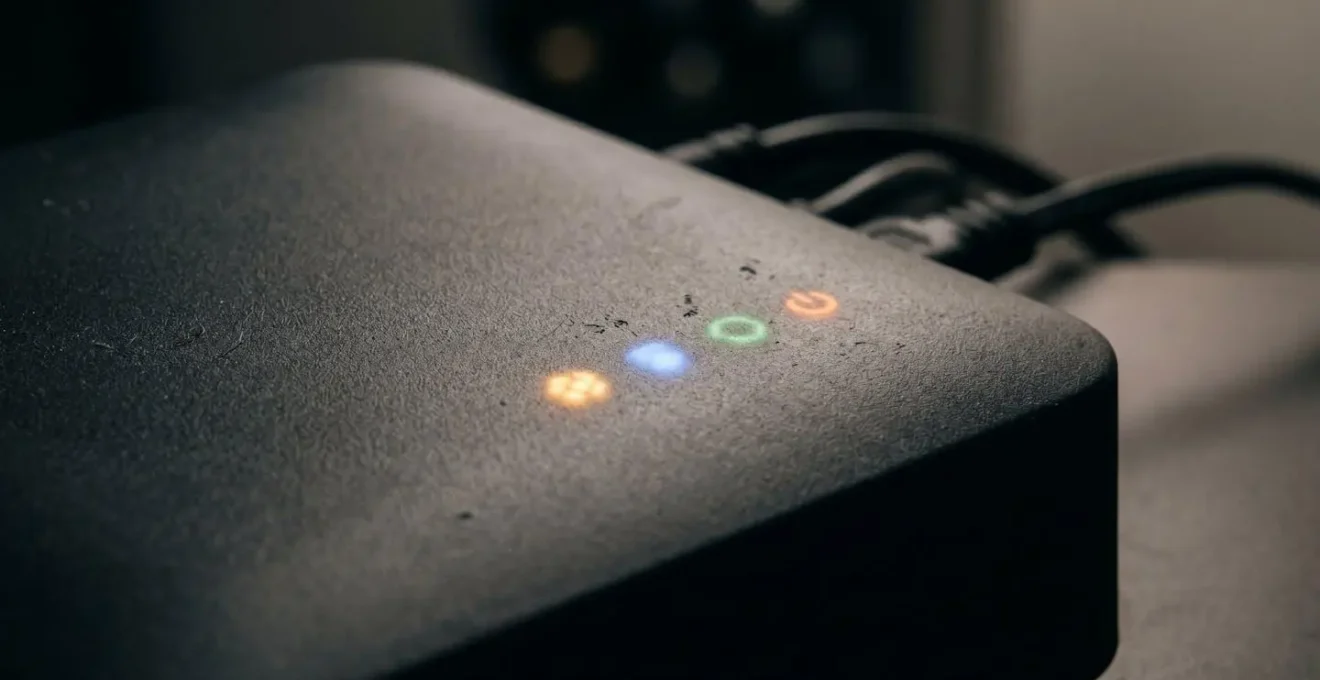
As this image of a hub’s indicator lights suggests, these devices are in a constant state of readiness. The key is not to eliminate them, but to be deliberate. Choose devices with low standby power, consolidate functions where possible (e.g., a smart speaker with a built-in Zigbee hub), and use smart plugs not just for scheduling, but to completely cut power to non-essential device clusters (like an entertainment center) during long periods of inactivity, such as overnight or during work hours.
Ultimately, managing your digital baseline requires a shift in thinking: from simply adding devices to strategically building a system that is as lean as it is intelligent.
How to Build a Complete Home Security System for Under $300?
Securing your home doesn’t require a hefty investment or a long-term contract with a traditional security company. Thanks to the maturation of DIY (Do-It-Yourself) systems, building a robust and effective security network for under $300 is entirely feasible. The engineering principle here is strategic deterrence and layered protection, not blanket coverage. You don’t need a camera in every room; you need sensors and deterrents at key entry points and a plan for how they communicate.
The core of a budget-friendly system is a base kit from a reputable DIY brand. These kits typically include a base station, a keypad, and a few door/window sensors. This forms your first layer of defense. From there, you expand based on your property’s specific vulnerabilities. A single, visible outdoor camera is often a more powerful deterrent than multiple hidden indoor cameras. Similarly, motion-activated floodlights and prominent alarm company signage provide a high security-to-cost ratio. Analysis of top DIY systems shows that by choosing self-installation and self-monitoring, homeowners can save $100-$200 upfront and up to $500 annually compared to professionally installed and monitored systems.
To maximize a sub-$300 budget, focus on interoperability. You don’t have to buy all your components from one brand. A base system from one company can often be integrated with more affordable third-party sensors or cameras using free automation platforms like IFTTT (If This Then That). This allows you to place sensors on every ground-floor window without breaking the bank. The key is starting with a reliable hub and expanding intelligently.
Case Study: The Sub-$300 DIY Security Success
An analysis of popular DIY security systems like SimpliSafe and Ring reveals a clear path to budget security. A homeowner can start with a 5-piece alarm kit for around $200, which typically covers two entry points and a main living area with a motion sensor. By adding a $60 outdoor camera and $30 in motion-activated lighting and signage, a complete, visible deterrent system is created for under $300. The setup, being wireless, often takes less than 30 minutes. By opting for free self-monitoring via smartphone alerts instead of a paid professional plan, the total cost of ownership remains low, delivering essential protection without recurring fees.
The goal is to create an intelligent, responsive system where a triggered door sensor can activate an outdoor light and send an alert to your phone—all without a single monthly fee.
Google Home vs Amazon Alexa: Which Ecosystem Ages Better for Privacy?
Choosing between Google and Amazon for your smart home is a decision with long-term consequences that go far beyond which speaker has better sound quality. You are committing to an ecosystem, and a critical factor in that decision is how each company approaches your data and privacy. From an engineering standpoint, this is a question of « ecosystem lock-in » and understanding the business models that drive each platform. Both companies offer robust features, but their philosophies on data collection and usage differ significantly, impacting the long-term privacy of your home.
Amazon’s business model is rooted in commerce. It uses the data collected by Alexa to understand your habits and preferences, which can then be used to refine product recommendations and streamline your path to purchase across the entire Amazon empire. Google’s model is driven by advertising. It uses your data to build a comprehensive profile, allowing it to serve highly targeted ads across its vast network of services, from Search to YouTube. A 2024 study by Surfshark’s Smart Home Privacy Checker provided a stark quantitative measure of this difference: Amazon Alexa was found to collect 28 out of 32 possible data points, while Google collected 22. Both are significantly higher than the smart home industry average of 8-9 data points.
These differences are most apparent in how voice recordings are handled. By default, Google does not store your voice recordings unless you explicitly opt-in. Amazon, conversely, stores them indefinitely by default, requiring you to navigate the settings to opt-out or set up an auto-delete schedule. The following table breaks down the key distinctions you should consider before committing to an ecosystem.
| Privacy Factor | Amazon Alexa | Google Home |
|---|---|---|
| Voice Recording Storage | Stored indefinitely by default (opt-out available) | NOT stored by default (opt-in required) |
| Data Collection Scope | 28/32 data points including location, contacts, health data | 22/32 data points including location, browsing history, photos |
| Business Model Impact | Data used across Amazon ecosystem for shopping & commerce recommendations | Data shared across Google services for advertising profiles |
| Recording Deletion | Requires manual deletion or scheduled auto-delete (3 or 18 months) | Auto-delete options available; not stored by default |
| Privacy Controls | Alexa Privacy settings in app; manual review needed | Comprehensive controls via Google account settings |
While Google appears to offer more user-centric privacy controls by default, both systems are designed to gather extensive data. The « better » ecosystem is the one whose data practices you are most comfortable with and whose privacy settings you are willing to actively manage over time.
The Default Password Error That Opens Your Camera to Hackers
You’ve meticulously set a 20-character, multi-symbol password on your new smart security camera. You feel secure. However, the most critical vulnerability in most smart homes isn’t the password on the device itself; it’s a default setting on your router called Universal Plug and Play (UPnP). This feature, designed for convenience, allows devices on your network to automatically open ports in your router’s firewall to communicate with the internet. While this makes setting up a new gaming console or camera seamless, it creates a massive, automated security hole.
Hackers don’t need to guess your camera’s password if UPnP has already opened a backdoor for them. They simply scan the internet for open ports associated with common IoT devices. The scale of this problem is staggering; research using Shodan, the search engine for internet-connected devices, reveals that over five million devices are exposed online due to UPnP. This is a classic example of « configuration debt »—the hidden security cost of accepting default settings. You’re relying on a strong front door lock while the builder left a window wide open in the back.
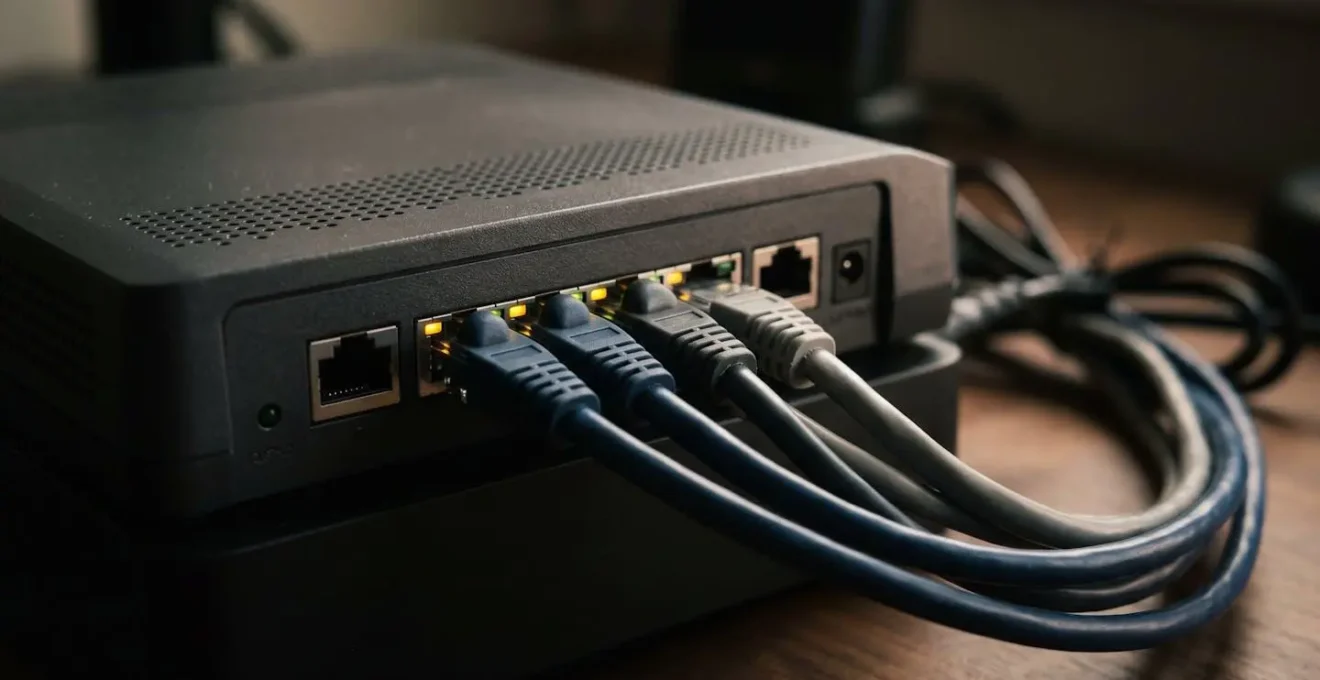
Securing your network requires moving beyond device-level settings and taking control of your network’s central hub: the router. Disabling UPnP is the single most effective step you can take to close these automated backdoors. This may require you to manually configure « port forwarding » for specific services that need it, but it puts you in control, forcing you to make a conscious decision about every gateway into your home network.
Your 5-Step Network Security Audit
- Disable UPnP on Your Router: Access your router’s administration panel (usually via an IP address like 192.168.1.1) and find the UPnP setting, often under « Advanced » or « NAT Forwarding. » Disable it. This is the most critical step.
- Audit Port Forwarding Rules: While in your router settings, review any existing port forwarding rules. Delete any that you don’t recognize or are no longer using. Every open port is a potential entry point.
- Enable Two-Factor Authentication (2FA): Secure the cloud accounts associated with your cameras (Ring, Nest, Wyze, etc.) with 2FA. This means even if a hacker gets your password, they can’t log in without access to your phone.
- Check for Public Exposure: Use a service like Shodan to search for your public IP address. This can show you if any of your devices are visible to the internet, confirming whether your security measures are working.
- Segment Your Network: For a more advanced setup, use your router’s « Guest Network » feature. Place all of your IoT devices on this separate network, isolating them from your personal computers and phones. If a smart bulb gets compromised, it can’t be used as a jumping-off point to access your personal files.
By taking these five steps, you transition from a passive user into an active administrator of your home’s digital security, closing the vulnerabilities that convenience-oriented features create by default.
How to Configure Your Router When You Have More Than 20 Connected Devices?
The standard consumer-grade router is designed for a household with a handful of devices: a few phones, laptops, and a smart TV. When you begin to build a true smart home, with 20, 30, or even 50+ connected devices, you will inevitably encounter « systemic friction. » This manifests as Wi-Fi dropouts, « device offline » errors in your smart home app, and lagging video calls. Your network, once reliable, becomes a bottleneck. This isn’t a failure of your internet service provider; it’s a failure of your router’s default configuration to handle a dense IoT environment.
To manage a high-density network, you need to think like a network administrator and leverage the advanced features built into most modern routers. The goal is to manage traffic, isolate devices, and ensure stability. Simply upgrading to a more powerful router won’t solve the problem if you don’t configure it correctly. You must move from a « flat » network where every device shouts for attention equally, to a segmented and prioritized network.
Here are the key engineering strategies to implement for a stable, high-density smart home network:
- Implement Network Isolation: The most crucial step is to create a separate network for your IoT devices. Most routers offer a « Guest Network » feature. By placing all your smart bulbs, plugs, and cameras on this guest network, you achieve two things. First, you create a security firewall; if a vulnerable smart device is compromised, the attacker is contained within the guest network and cannot access your primary computers or files. Second, you reduce traffic congestion on your main network.
- Configure Quality of Service (QoS): QoS is a feature that allows you to prioritize certain types of internet traffic. You can configure your router to give priority to your work laptop’s video conferencing traffic over a smart speaker’s background firmware update. This ensures that your critical tasks remain smooth and responsive, even when dozens of other devices are active.
- Assign Static DHCP Reservations: By default, your router assigns IP addresses to devices dynamically. In a crowded network, this can sometimes lead to conflicts or cause devices to appear offline when the address lease expires. By assigning a static (fixed) IP address to your key smart home devices (like your hub, cameras, and thermostat), you ensure they are always reachable and eliminate a common source of instability.
- Optimize Wi-Fi Channels: Use a Wi-Fi analyzer app on your phone to see which channels your neighbors’ networks are using. Manually set your router to use a less congested channel to reduce interference and improve signal reliability.
By implementing these configuration changes, you transform your router from a simple gateway into an intelligent traffic controller, creating a stable and secure foundation for your entire smart home.
A+++ vs A+: Is the Extra $200 for the Top Fridge Model Worth It?
When shopping for a new appliance, it’s tempting to reach for the model with the highest energy efficiency rating, assuming it represents the best long-term investment. The logic seems simple: spend an extra $200 on an A+++ refrigerator over an A+ model to reap the rewards in lower electricity bills. However, an engineering analysis based on Total Cost of Ownership (TCO) reveals a more complex reality. The marginal gains in energy savings are often outweighed by other, less obvious factors.
The energy ratings on appliances are based on standardized lab tests performed under ideal conditions. In the real world, factors like the ambient temperature of your kitchen, how frequently you open the door, and how fully you stock the shelves can have a greater impact on actual energy consumption than the difference between an A+ and an A+++ rating. While the top-tier model might be 10-15% more efficient in the lab, that might only translate to a few dollars saved per year in a real-world kitchen, extending the payback period for that extra $200 to a decade or more.
Furthermore, this calculation often ignores two critical components of TCO. First, repair costs. Higher-efficiency models are often more complex, incorporating advanced electronics and smart features. A single service call for a failed smart board, which can cost $150-$300, can instantly wipe out years of accumulated energy savings. Second, and increasingly important, is the concept of embodied carbon—the total greenhouse gas emissions generated from manufacturing and transporting the new appliance. As an analysis of appliance lifecycles shows, replacing a functional A+ unit with a new A+++ model carries a significant upfront carbon cost. It can take 3 to 7 years of energy savings just to « pay back » the carbon debt incurred by manufacturing the new device.
Therefore, the most financially and environmentally sound decision is often to choose the reliable, less complex A+ model or, even better, to maintain and repair your existing, functional appliance rather than replacing it for a marginal gain in efficiency.
The « Smart Home » Mistake That Adds 10% to Your Electricity Bill
The single biggest mistake homeowners make with smart thermostats is treating them like traditional thermostats: they install them and then largely forget about them. They might set an initial schedule but fail to adapt it, or they constantly override it manually, defeating the purpose of the « smart » functionality. This behavior can easily turn a device designed to save money into one that inadvertently increases consumption, sometimes by as much as 10%.
A smart thermostat’s efficiency comes from its ability to learn and adapt. It’s designed to use features like geofencing (knowing when you’re home or away), remote sensors (to heat rooms you’re actually in), and algorithmic learning to optimize heating and cooling cycles. When you manually crank the heat up because you feel cold, you’re not just getting temporary warmth; you’re telling the system your schedule is wrong, forcing it into an inefficient « catch-up » mode that uses a blast of energy. Do this consistently, and you negate the incremental savings the system is designed to achieve.
The potential for savings is significant. According to energy experts, a properly configured and utilized smart thermostat can lead to average annual savings of 20% on heating and cooling. The mistake that costs homeowners money is the gap between this potential and their actual usage. If your schedule changes for a season, but you don’t update the thermostat’s programming, you could be heating an empty house for hours every day. If you don’t use remote sensors, you might be overheating your entire home just to make one cold office comfortable. The « smart » device is only as smart as its inputs and its user’s willingness to engage with its features.
Take 30 minutes to audit your settings: enable geofencing, review the learning algorithm’s suggestions, and strategically place remote sensors. This small investment of time is what bridges the gap between owning a smart device and running an efficient smart home.
Key Takeaways
- Unconfigured smart devices increase your ’digital baseline’ energy use, creating a hidden, constant cost.
- Default settings, especially UPnP on routers, are major security risks that can override even the strongest passwords.
- Passive strategies like thermal insulation and humidity control are as crucial as smart schedules for achieving real-world energy savings.
How to Lower Your Winter Heating Bill by 15% Without Touching the Thermostat?
While optimizing your smart thermostat’s schedule is crucial, a truly efficient home leverages passive strategies to reduce the heating system’s workload in the first place. An engineer’s approach focuses on improving the thermal performance of the building envelope itself, whether for winter heating efficiency or summer cooling without air conditioning. By doing so, you can achieve significant savings and increase comfort without ever adjusting the thermostat’s setpoint. The goal is to retain the heat your system generates for longer, and to supplement it with free, passive solar energy.
Many people underestimate the impact of these low-tech or no-tech solutions. The U.S. Department of Energy, for instance, highlights that behavioral changes and home maintenance are foundational to energy savings. While they estimate that a simple thermostat setback of 7-10°F for 8 hours a day can save up to 10% annually, combining this with passive measures can amplify those savings dramatically. These strategies work by making your home feel warmer at lower temperatures and preventing the heat you’ve paid for from escaping.
Here are four powerful passive heating strategies that can collectively lower your heating needs by up to 15%:
- The Humidity Hack: This is a game-changer. Maintaining an indoor humidity level between 40-50% during winter makes the air feel 2-4 degrees warmer than it actually is. Moist air holds heat more effectively than dry air. Using a humidifier allows you to be comfortable at a lower thermostat setting, directly saving energy.
- Active Curtain Management: Treat your windows like dynamic thermal gates. On sunny winter days, open the curtains on all south-facing windows to allow passive solar gain to heat your home for free. As soon as the sun sets, close all curtains and blinds to create an insulating layer of air that traps heat inside. This simple daily routine can make a noticeable difference.
- Reverse Your Ceiling Fans: Many people don’t realize their ceiling fans have a winter setting. By running the fan clockwise on a low speed, you gently push the warm air that has risen and collected near the ceiling back down into the living space. This equalizes the room temperature without creating a cooling draft.
- Hunt for Thermal Bridges: Use an inexpensive infrared thermometer (around $20) to scan your exterior walls, especially around windows, electrical outlets, and recessed lighting. These are common « thermal bridges » where heat escapes. Sealing these small leaks with foam gaskets or caulk is one of the most cost-effective energy-saving measures you can take.
By integrating these engineering principles into your daily habits, you reduce your reliance on technology and create a home that is inherently more efficient, comfortable, and less expensive to run.